
CineD Databases
The CineD Databases are a collection of easy-to-use tools for filmmakers, offering technical information about cameras and lenses used by professional filmmakers and content creators.
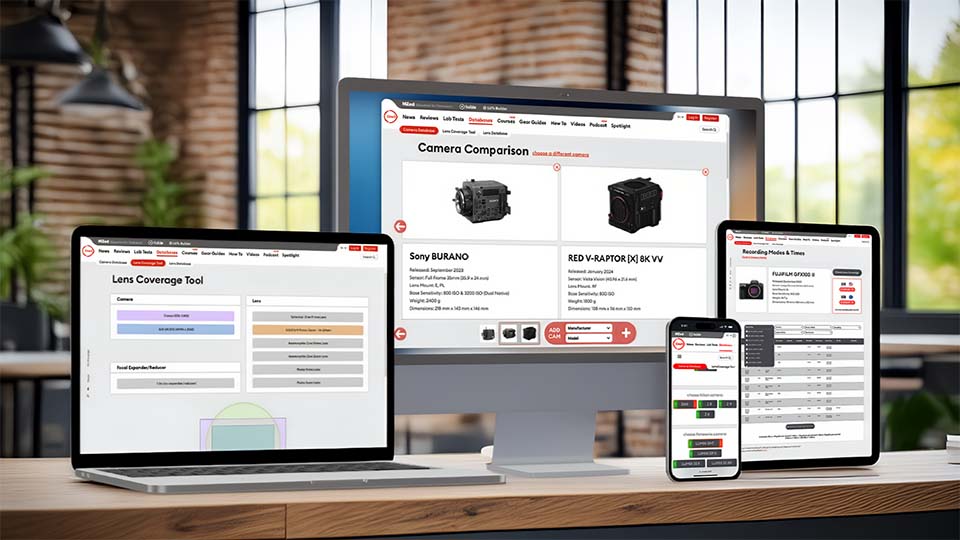
Launched on August 17th, 2022, the CineD Databases went on to become the most extensive technical resource for camera and lens information on the web.
Camera Database
Compare Lab Test Results (Dynamic Range, Rolling Shutter & Exposure Latitude), and check Recording Modes, Resolutions, Codes, & more.
Learn more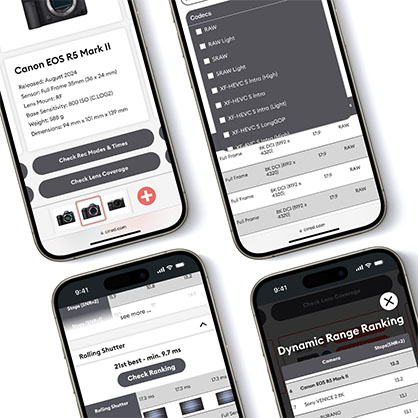
Lens Coverage Tool
Find out how Lenses behave on different Cameras, with visual Comparisons of Sensor Sizes, Recording Modes (“crop factors”) and Speed Boosters or Expanders.
Learn more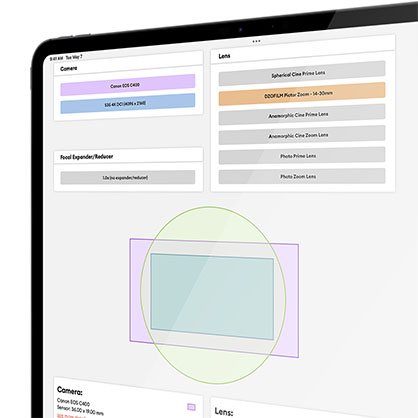
Lens Database
Look up Technical Details for Cine and Photo Lenses, including spherical or Anamorphic, Zoom or Prime, Modern or vintage, and find out where to buy them.
Learn more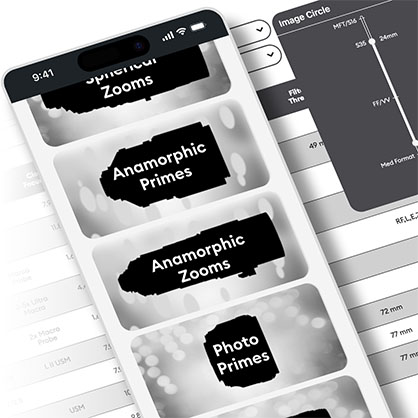
You can also read about the history of each tool below.
Camera Database
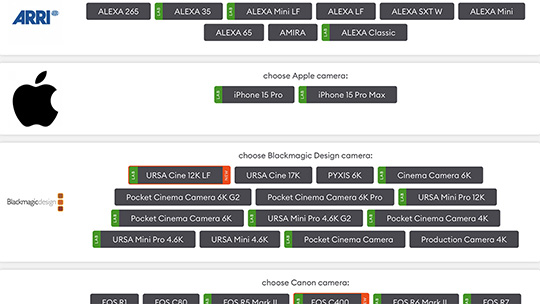
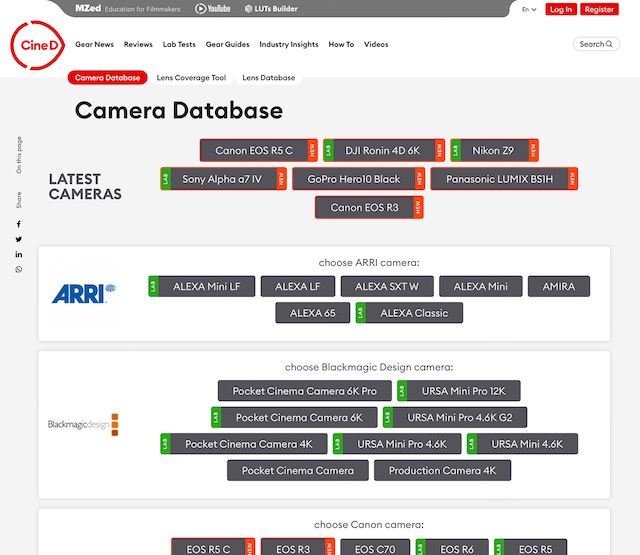
The Camera Database includes hundreds of the latest cine and photo cameras. You can easily look up all the possible recording modes, resolutions, recording formats and recording times.
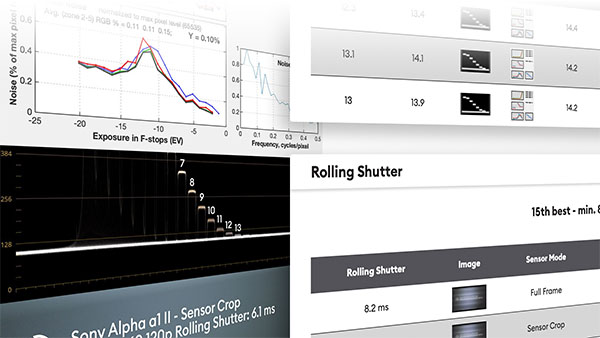
Additionally, you can see how well the cameras perform according to CineD's standardised lab tests, which evaluate dynamic range and Rolling Shutter performance. These test results show how well cameras actually perform compared to what manufacturers claim.
The camera comparison feature lets you quickly compare results between multiple cameras at the same time.
Give the Camera Database a try
Lab Test Results
Dynamic Range and Rolling Shutter results from CineD's standardised Lab Tests.
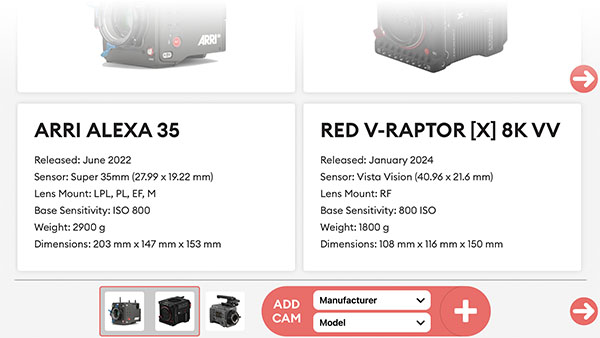
Compare Cameras
Compare multiple cameras side-by-side to quickly identify strengths and weaknesses.
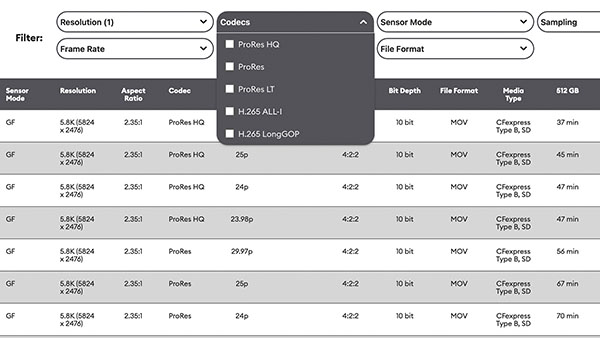
Rec Modes and Times
All possible sensor modes, resolutions, frame rates, codecs and more, complete with filters.
Lens Coverage Tool
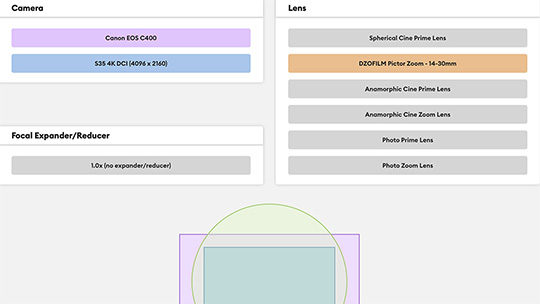
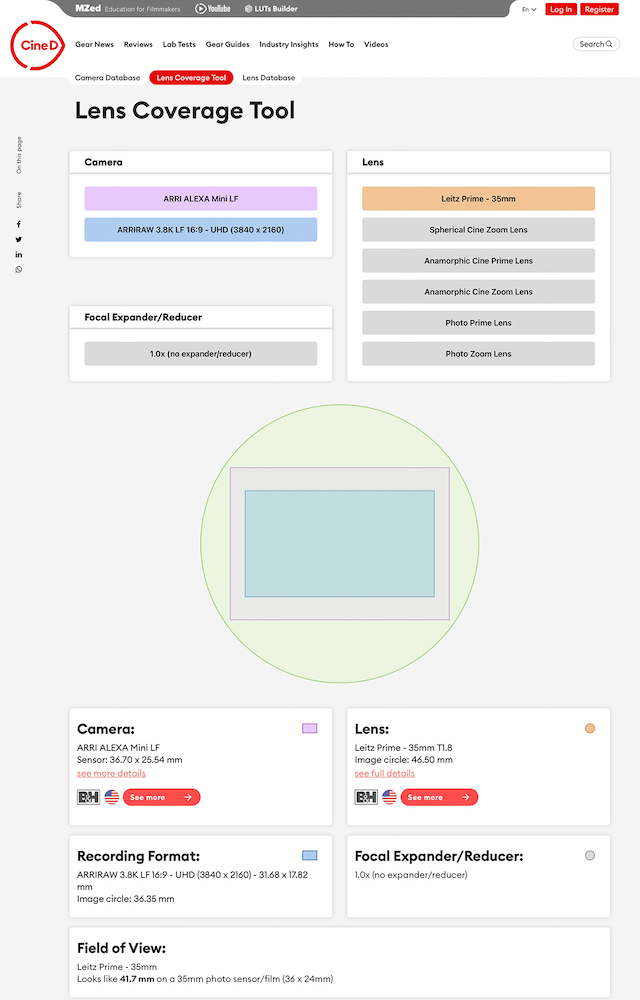
The Lens Coverage Tool lets you choose a camera & recording mode from the Camera Database, and combine it with a lens of your choice from the Lens Database.
As a result, you get a graphical representation of the lens image circle, overlaid on top of the camera recording mode and camera sensor. This quickly gives you an idea if this camera and lens pairing is compatible.
In addition, you can add extenders or speed boosters to see what effect they would have. You also get information on where you can buy the gear and more in-depth information, like the Field of View, and helpers for working with anamorphic lenses.
Let's try the Lens Coverage Tool
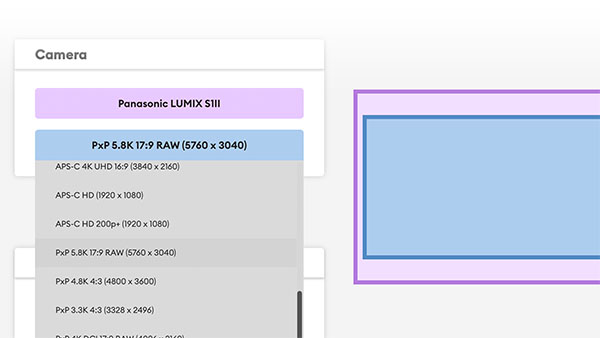
Recording Formats & Crops
How do different recording formats affect the sensor crop factor?
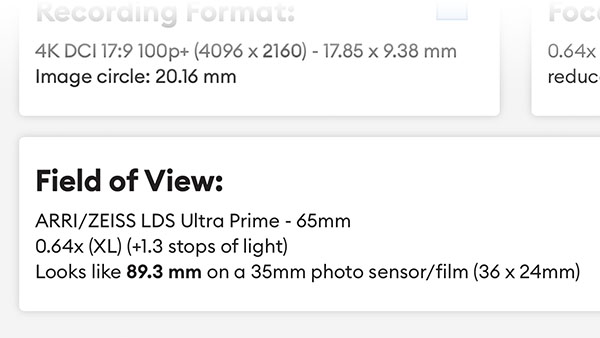
Field of View
Lens on crop-sensor demystified: equivalent focal length calculation included.
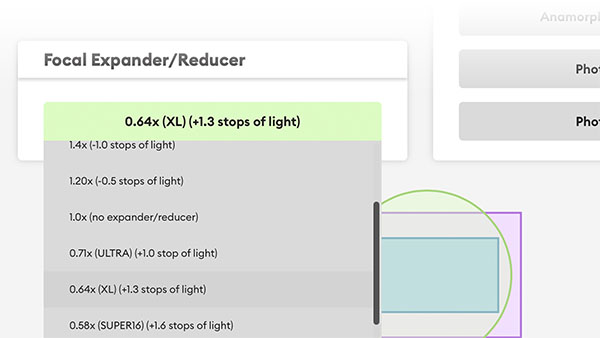
Speed Boosters & Extenders
Does a Focal Reducer or Expander make sense for your setup?
Lens Database
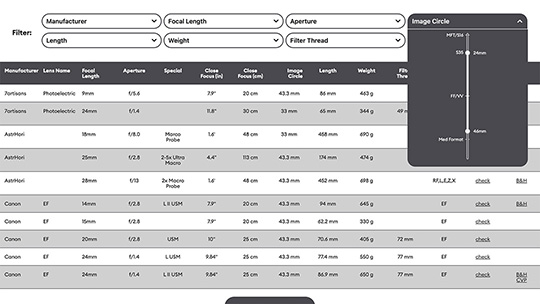
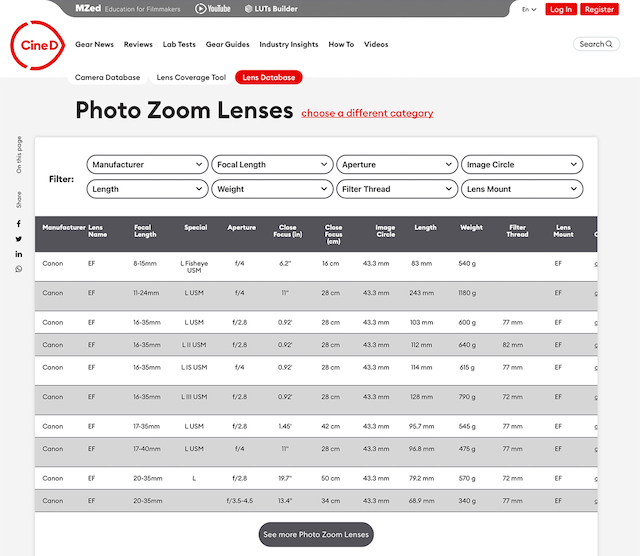
The Lens Database is built around a large selection of spherical and anamorphic zoom & prime lenses, photo as well as cine lenses.
This tool helps you find dozens of modern & vintage lenses, and includes links for most of the lenses to where you can buy them.
Quickly filtering and comparing such a large catalogue of lenses greatly helps you make a buying decision. It also helps film crew, like camera operators and assistants, be more efficient during camera prep.
You can also quickly switch to the Lens Coverage Tool and virtually put any lens on any camera from the Camera Database to see if the lens coverage is compatible with the resolution and sensor crop of your camera.
Take the Lens Database for a spin
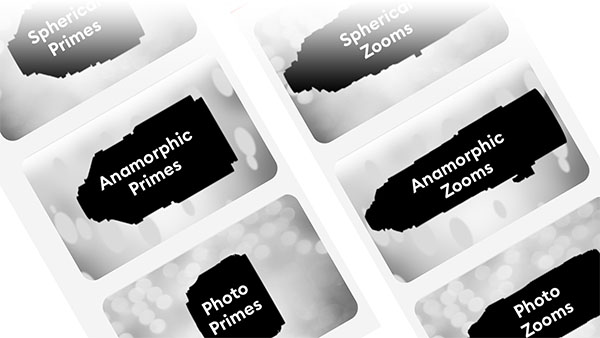
Lenses for Photo & Cine
Photo primes & zooms, spherical and anamorphic cine primes & zooms.
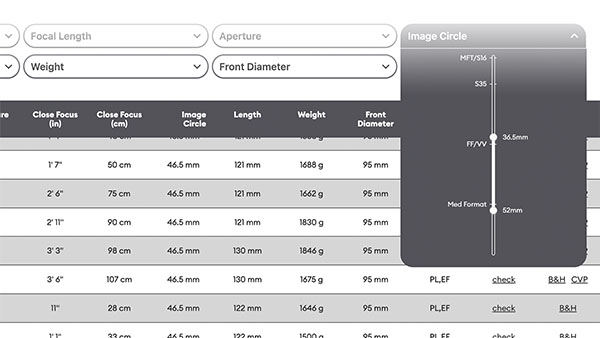
Quick Filters
Use filters to quickly narrow down your search for the perfect lens.
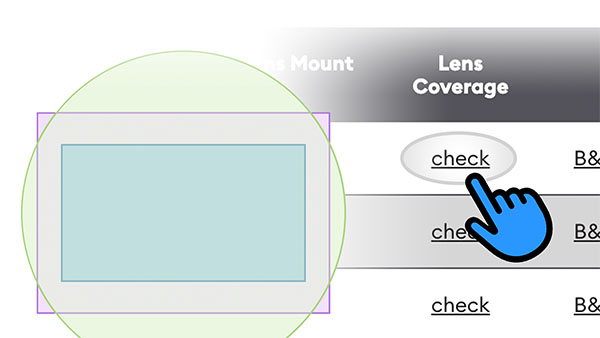
Lens Coverage Simulation
Found your favourite lens? Simulate how it behaves on your camera.
History
During his time as a camera and lens rental technician, Florian created a digital camera and lens Knowledge Base, which contained in-depth information about professional cameras and lenses and their compatibility.
This original Knowledge Base, previously accessible at brains.florianmilz.com, was upgraded to the CineD Databases with expanded functionality and improved usability.
Knowledge Base
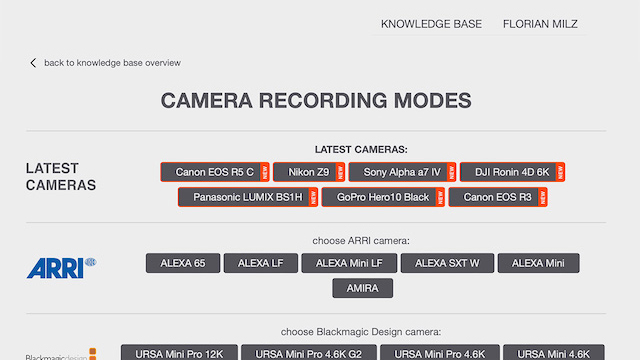
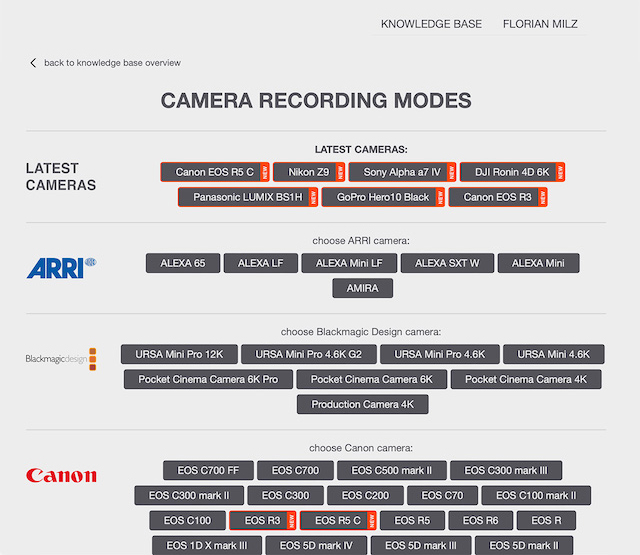
It all started with the Camera Database, originally called "Ultimate Camera Database" (UCDB). This small web project contained all possible camera recording modes, resolutions, recording formats, and how many minutes you could record onto a single memory card before it was full.
The website served as an online helper for the rental staff, and it was way more convenient than searching through multiple spreadsheets that were saved locally on a computer somewhere.
Lens Tables
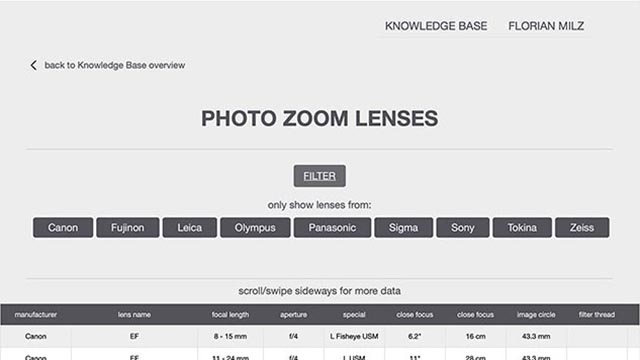
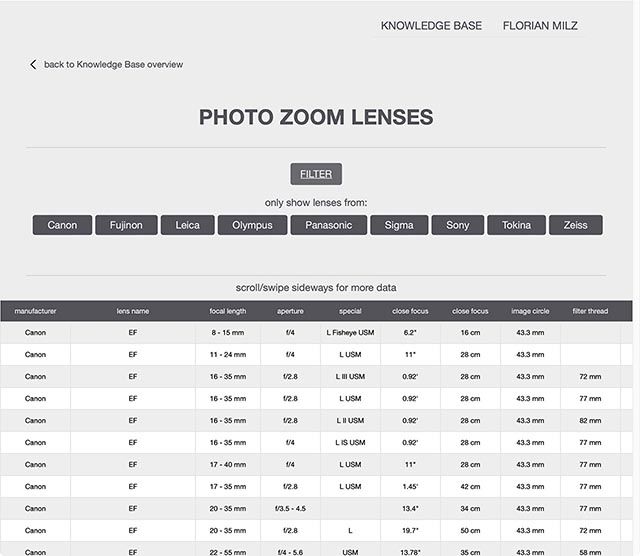
Soon after the "Ultimate Camera Database", the next project was to collect technical data for all the lenses that were available to rent at the camera rental.
Oftentimes, rental staff had to look up the front diameter of lenses in order to include the correct matte box clamp adapter, or the filter thread of photo lenses, so the correct ND filter size could be booked. Lens weight and size were important to know when customers wanted to put a camera package on gimbals.
All of this data would end up in lens tables as part of the Knowledge Base.
Lens Coverage Tool
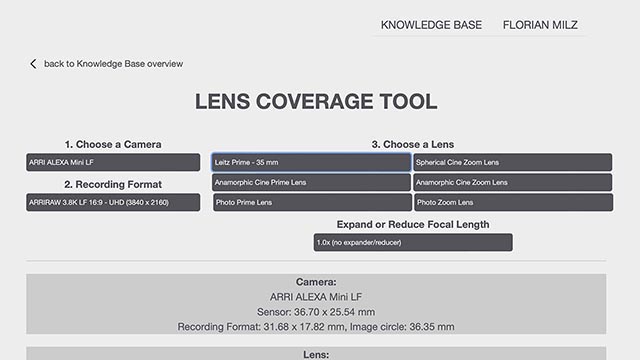
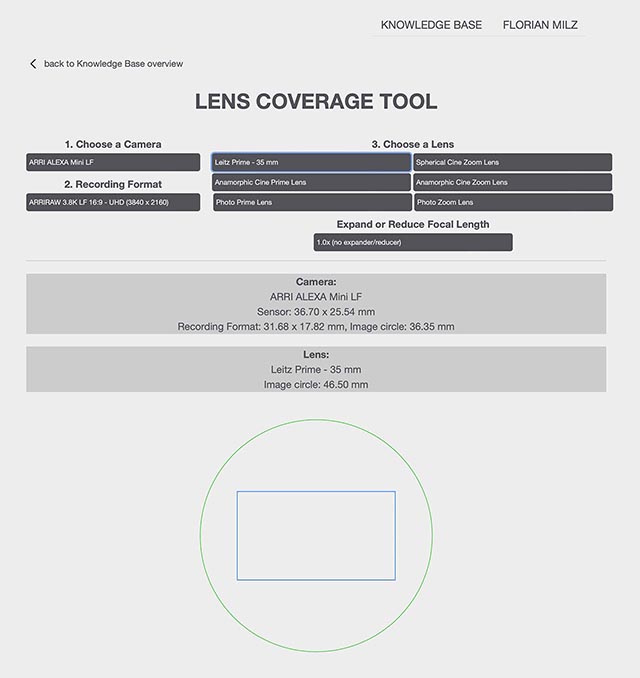
The Lens Coverage Tool is the tool that ultimately put the Knowledge Base on the radar of many manufacturers, production companies and freelancers.
It combined all the necessary recording modes and recording formats from the camera database, and the lens image circles from the lens tables.
The result was a simple graphical representation of the image circle, overlaid on top of the camera sensor to visualise whether or not the lens covered the sensor and recording format, very similar to what you can find in today's Lens Coverage Tool.